

Guide
App Mascot Generator: Create a Mascot System for Your App UI
Create consistent mascots for onboarding, empty states, errors, and success screens without hiring an illustrator.
6 min read
May 30, 2026Paste your URL. MascotStudio reads your colors, typography and tone, then builds a full character system around them: a base mascot plus the poses your product actually needs. Branding you can ship, not a single illustration.
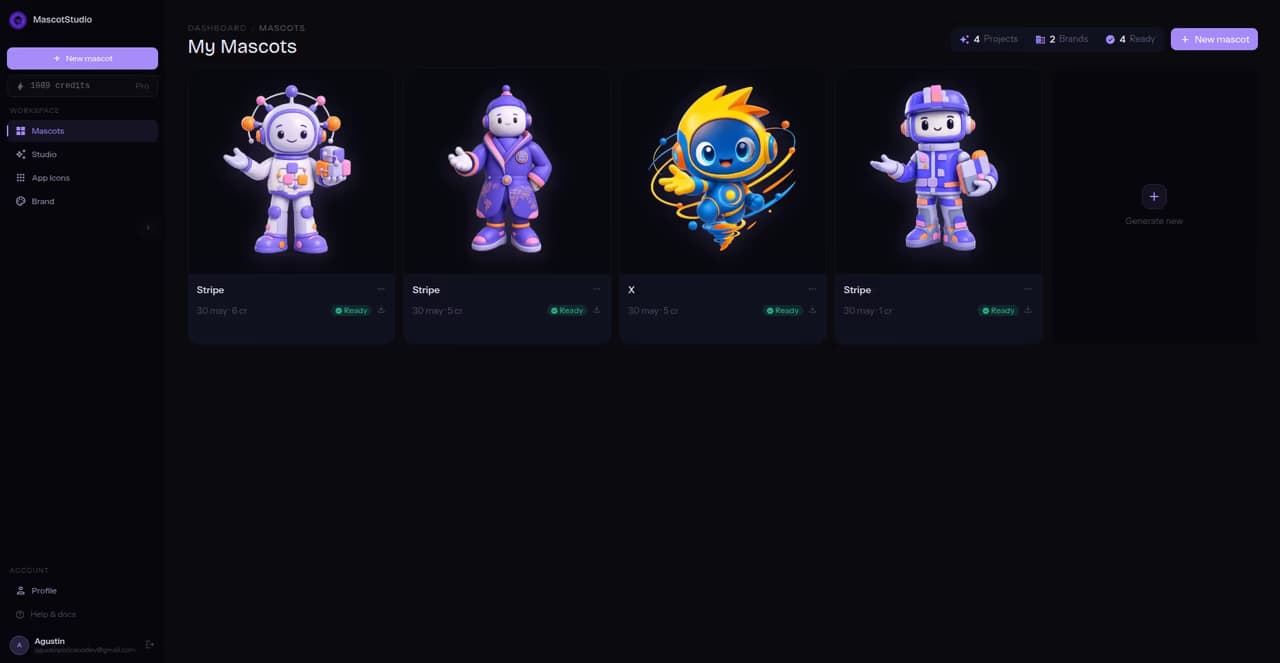
From website scan to mascot preview, see the full flow before you create your first character.
One character used consistently across your product builds recognition every time someone opens it. A one-off illustration fills a screen and gets forgotten. MascotStudio builds the first kind, without the agency timeline.
Character generators start from a text description, so everyone ends up with the same look. MascotStudio starts from your live site: your palette, your typography, your tone. The mascot inherits your brand instead of borrowing someone else's.
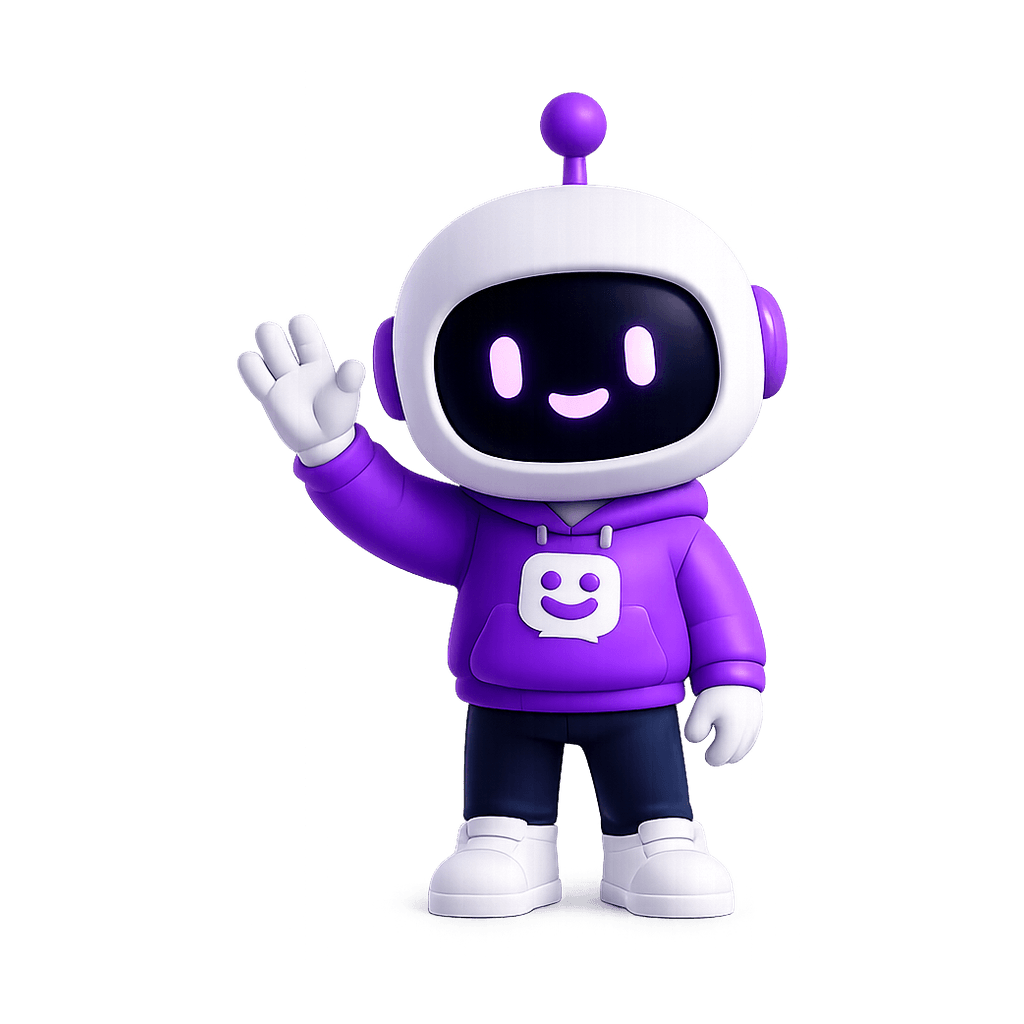
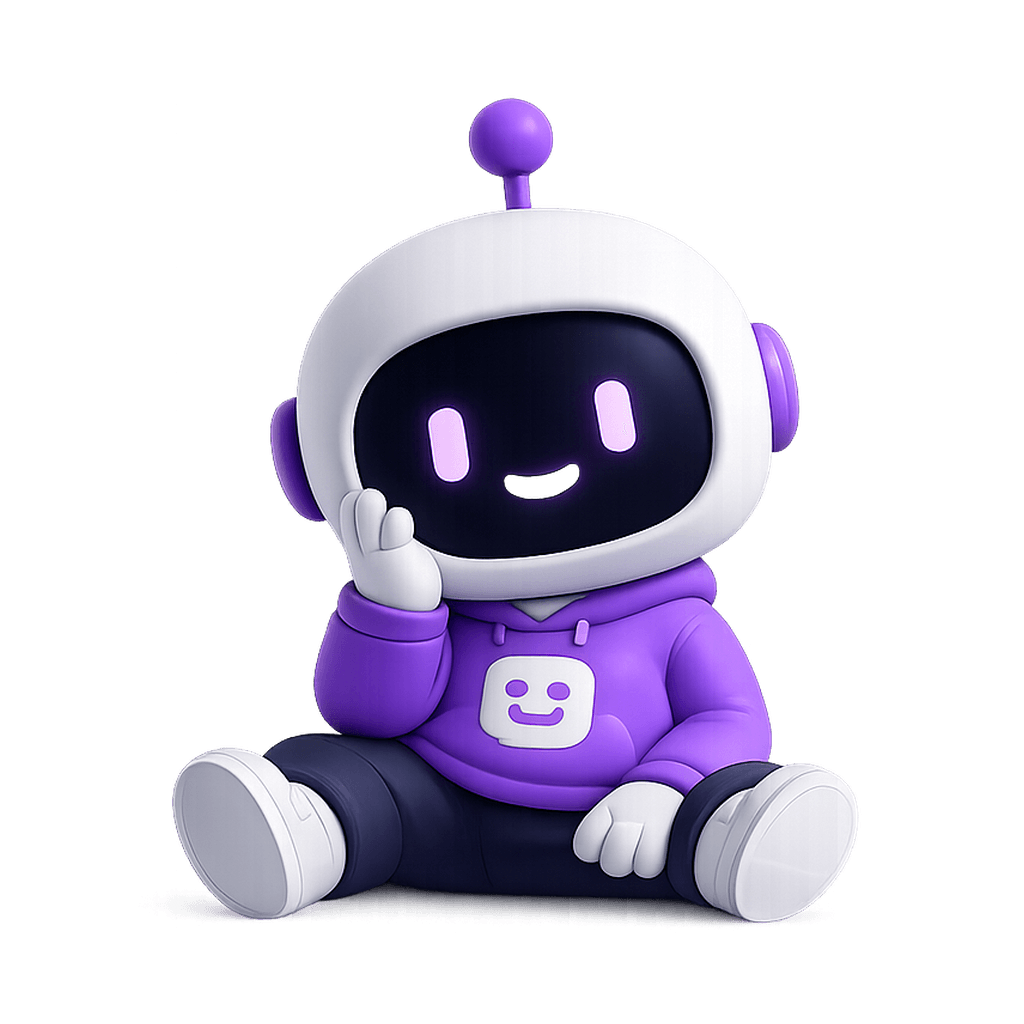
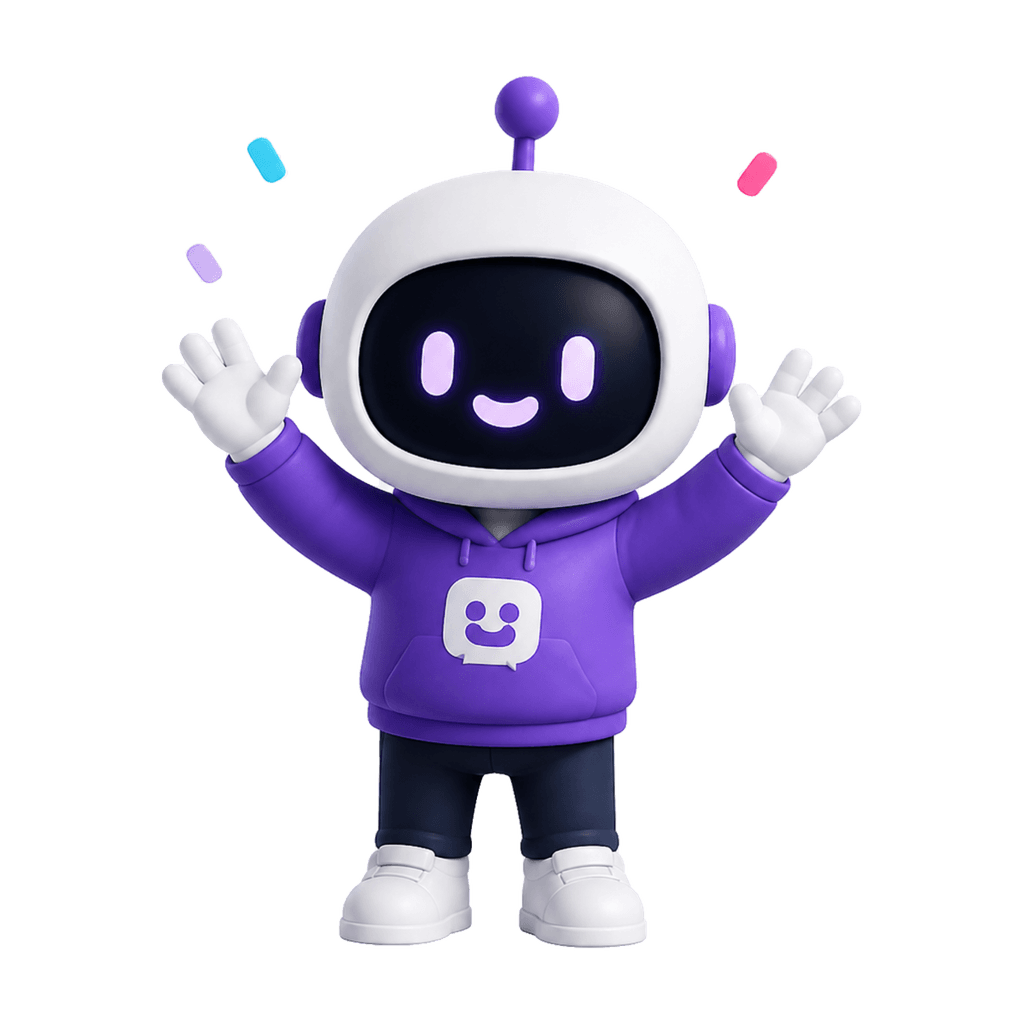
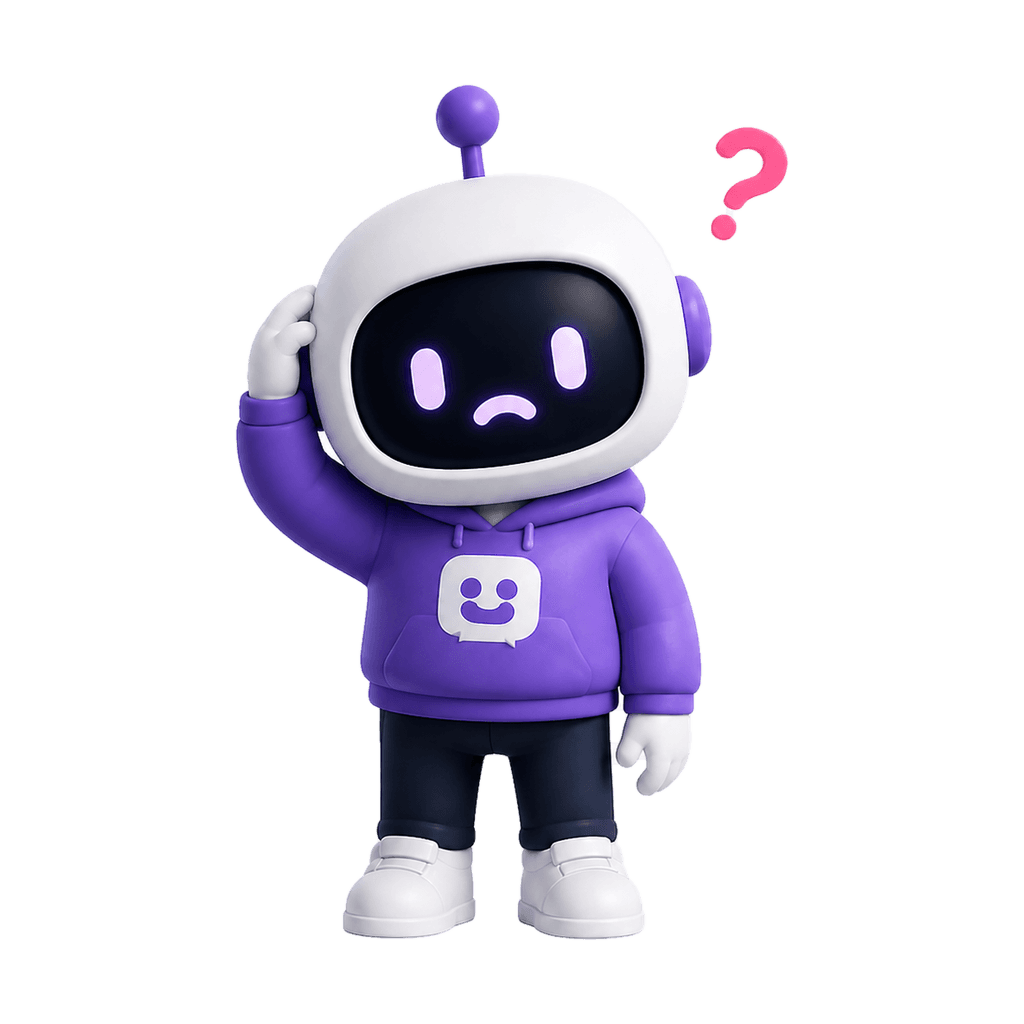
Onboarding, empty states, success and errors, all from the same direction, so it reads as one character instead of four illustrations.
Test a mascot direction before committing to a full illustration project or weeks of revision rounds.
How it works
Create a mascot direction, refine it, and turn it into assets your product can actually use.
Input
Enter your website and MascotStudio reads the visible brand signals: colors, typography, content style, and tone.
Direction
See the personality, visual style, and mascot direction before you generate. Keep what fits and adjust what does not.
Output
Create your base mascot, then generate poses for the product moments where your UI needs more personality.
Use the same character across onboarding, empty states, success messages, and error screens.
Pricing
Start with one brand-matched mascot system, then scale into more poses, presets, and team workflows as you grow.
FAQ
The practical details: ownership, privacy, formats, and what happens after your first preview.
You can paste your website URL and preview a brand-matched mascot direction before choosing a paid plan. No credit card required.
Yes. You can adjust the mascot direction, colors, expressions, accessories, and personality settings from your dashboard.
Paid plans include export-ready image assets such as transparent PNG, WebP, and SVG. Pro adds more poses and richer asset options for product teams.
Yes. Use the exported mascot assets in onboarding screens, empty states, success messages, error screens, docs, marketing pages, or anywhere your product needs a human touch.
We use your URL to read public brand signals such as colors, typography, content style, and tone. Your generated mascot is yours, and we do not sell your brand data.
Yes. Paid plans include commercial use, so you can use the mascot in your product, marketing, docs, and customer experience.
You can describe your brand manually. Add your name, color preferences, audience, and tone, and MascotStudio can work from that instead.
Choose Starter if you want to test one mascot in a few UI moments. Choose Pro if you want a full mascot system with more directions, more poses, and priority support.
Blog
Create consistent mascots for onboarding, empty states, errors, and success screens without hiring an illustrator.

An honest guide to what AI mascot generators are, which brands benefit most, and how to avoid the mistakes that make mascots forgettable.

Learn what makes a great company mascot, where to use it across your product, and how to create one that actually fits your brand.
Paste your URL and preview the full direction built from your brand: base character, product poses, and the tone that holds them together.